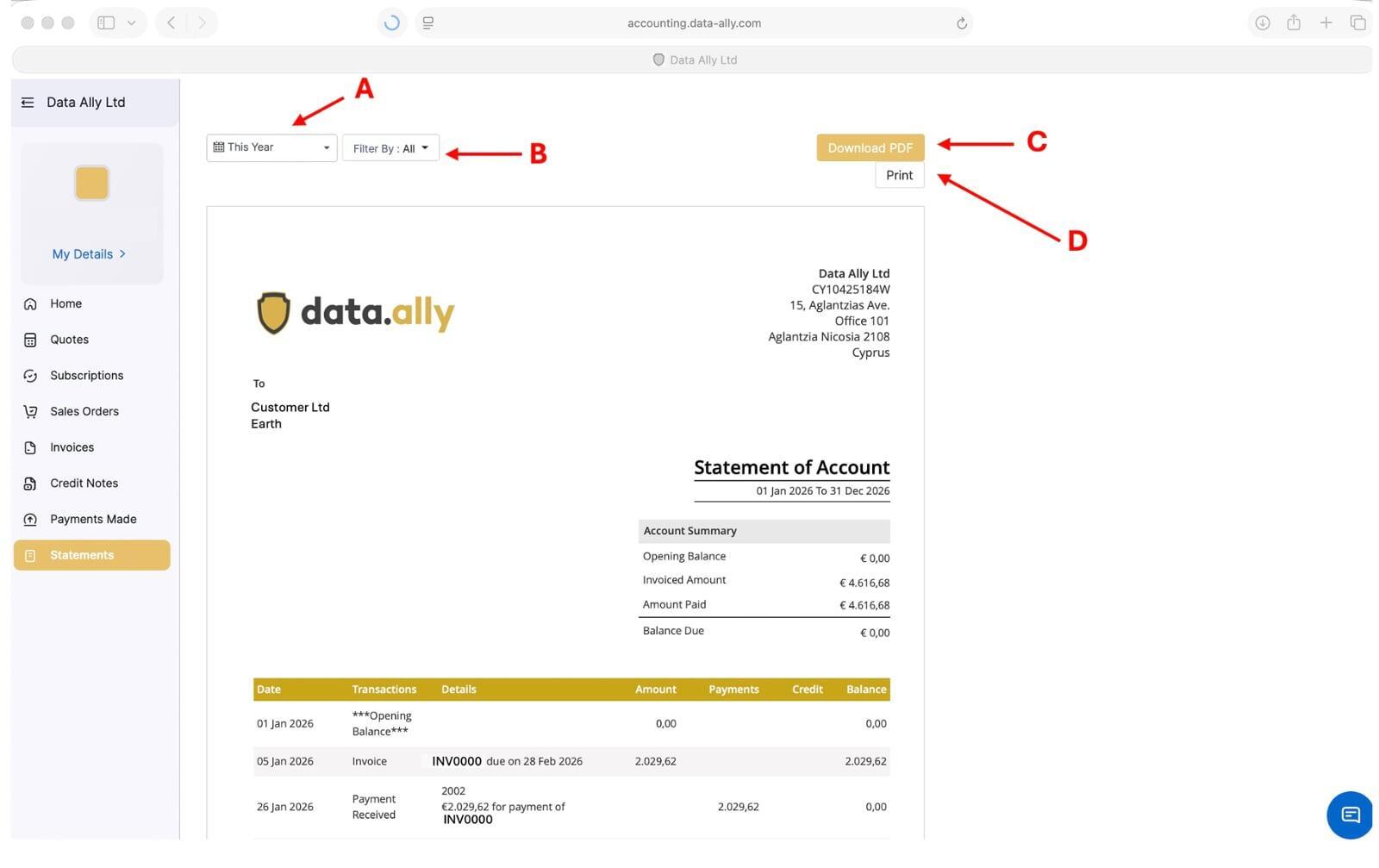
Accounting Portal Help
Please use this guide on how to login to your account, view your orders, invoices, pay online and create any statement you need.
If you require any further assistance please do not hesitate to contact your Account Manager.
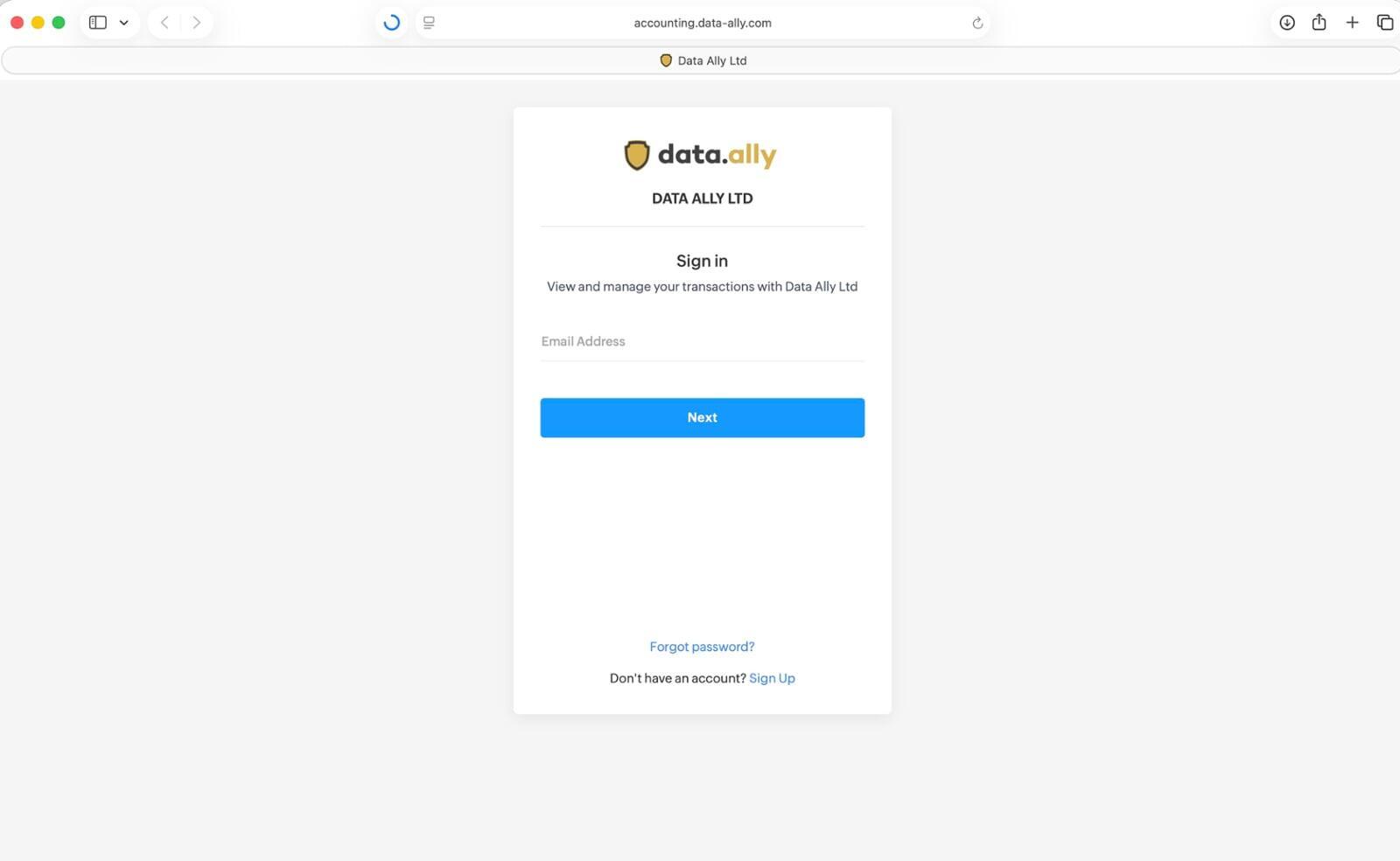
Login to the portal
Dashboard
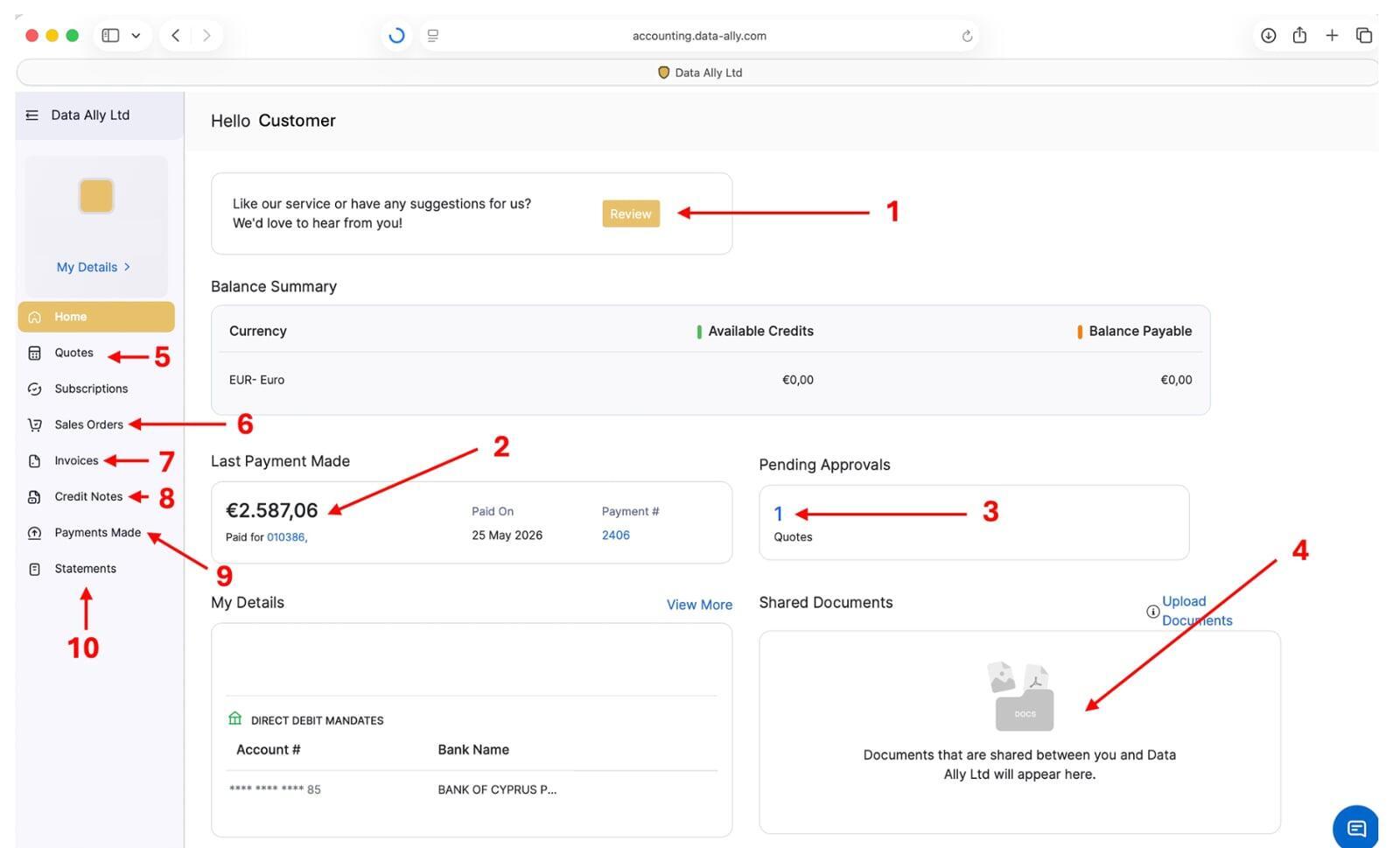
Zoom the image to see where each point is.
1. Click this button to leave a review for the service you receive from our company.
2. Information of your last payment made to our company.
3. If you have any pending quotations you need to approve a number will appear here.
4. Documents shared with you (e.g double taxation certificates)
5. View all the quotations you received from us.
6. View all your sales orders.
7. View all your invoices.
8. View all your credit notes.
9. View all the payments you made to our company.
10. Create any statement you need.